
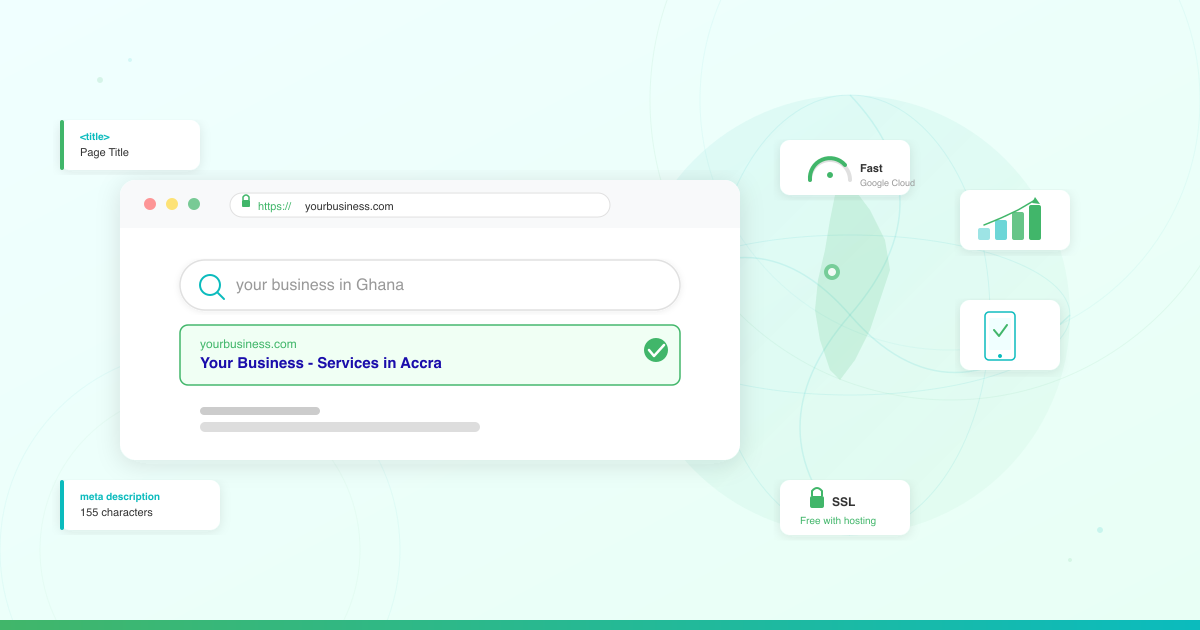



You built your business website. It looks great. But when you search for your business on Google, nothing comes up.
Getting your website on Google is not automatic. You need to tell Google your site exists, optimize your pages so Google understands what you offer, and build signals that prove your business is trustworthy. The good news? You can do all of this yourself, even without technical experience.
This SEO guide for Ghana walks you through every step — from setting up Google Search Console to optimizing your pages and claiming your Google Business Profile. By the end, your business website will be visible to the customers already searching for what you sell.
Step 1: Set Up Google Search Console
Google Search Console (GSC) is a free tool from Google that lets you monitor how your website appears in search results. Think of it as your direct communication channel with Google.
Here is how to set it up:
- Go to search.google.com/search-console and sign in with your Google account
- Click Add property and choose URL prefix (enter your full website URL, including https://)
- Verify you own the website — the easiest method is the HTML tag option, which gives you a small code snippet to paste into your site’s
<head>section - If you use WordPress, install a plugin like Rank Math that has a built-in GSC verification field — paste the code there and click verify
- Once verified, Google starts collecting data about your site within 24-48 hours
Google Search Console shows you which keywords people use to find your site, which pages appear in search results, and whether Google has any problems crawling your pages. Check it at least once a week.
Step 2: Submit Your Sitemap
A sitemap is a file that lists every page on your website. Submitting it to Google tells the search engine exactly what pages to crawl and index.
Most WordPress sites generate a sitemap automatically. Your sitemap URL is typically:
https://yourwebsite.com/sitemap_index.xml
To submit it:
- Open Google Search Console
- Click Sitemaps in the left sidebar
- Enter your sitemap URL in the Add a new sitemap field
- Click Submit
Google will process your sitemap and start indexing your pages. You can check the status in GSC — it should show “Success” with the number of discovered URLs.
If you have installed the Rank Math plugin on your WordPress site, it generates an optimized sitemap automatically at /sitemap_index.xml. No additional setup needed.
Step 3: Master On-Page SEO Basics
On-page SEO means optimizing individual pages so Google understands what each page is about. Here are the elements that matter most.
Page Titles (Title Tags)
Your page title is the clickable headline that appears in Google search results. Every page needs a unique, descriptive title.
- Keep it under 60 characters so it displays fully in search results
- Include your main keyword near the beginning
- Make it compelling enough that someone wants to click
Example: Instead of “Home – My Business”, use “Affordable Plumbing Services in Accra | YourBusiness”
Meta Descriptions
The meta description is the short paragraph below your title in search results. Google does not use it directly for rankings, but a good description increases your click-through rate.
- Keep it between 150-155 characters
- Describe what the page offers and why someone should visit
- Include your target keyword naturally
Headings (H1, H2, H3)
Headings structure your content and help Google understand your page’s topics.
- Use one H1 per page (your main headline)
- Use H2s for major sections
- Use H3s for subsections within those
- Include relevant keywords in your headings where it reads naturally
Keywords in Your Content
Keywords are the words and phrases your customers type into Google. Use them naturally throughout your content.
- Include your primary keyword in the first 100 words of your page
- Use related keywords and variations throughout
- Write for your reader first, not for Google — if a sentence sounds forced, rewrite it
- Aim for 1-2% keyword density (if your page is 1,000 words, your main keyword should appear 10-20 times)

Step 4: Install and Configure Rank Math
If your website runs on WordPress, a SEO plugin makes optimization dramatically easier. Rank Math is one of the best free options available.
Here is what Rank Math does for you:
- Adds title tag and meta description fields to every page and post
- Generates your sitemap automatically
- Analyzes your content and suggests SEO improvements in real time
- Handles Google Search Console verification
- Adds schema markup (structured data) that helps Google display rich results
To set it up:
- Go to Plugins > Add New in your WordPress dashboard
- Search for Rank Math SEO
- Install and activate the plugin
- Follow the setup wizard — it walks you through connecting GSC, setting your site type, and configuring basic SEO settings
Once installed, you will see an SEO score and optimization suggestions every time you create or edit a page. If you need guidance on choosing and installing WordPress plugins, check our guide on essential WordPress plugins for business.
Step 5: Claim Your Google Business Profile
If you serve customers in Ghana — whether from a physical location or a service area — a Google Business Profile (GBP) is essential for local SEO. It is what makes your business appear in Google Maps and the local results that show up at the top of search pages.
Here is how to set it up:
- Go to business.google.com and sign in
- Click Add your business and enter your business name
- Choose your business category (be specific — “Web Design Agency” is better than just “Agency”)
- Add your address or select Service area if you visit customers
- Add your phone number, website URL, and business hours
- Verify your business — Google typically sends a postcard to your address with a verification code, though phone and email verification are available for some businesses in Ghana
Optimize Your Profile for Local SEO in Ghana
Once verified, optimize your profile:
- Add photos — businesses with photos get significantly more direction requests and website clicks than those without
- Write a clear business description using keywords your customers search for (e.g., “affordable web design in Accra” or “plumbing services in Kumasi”)
- Select the right categories — your primary category should be your core service
- Keep your information consistent — your business name, address, and phone number (NAP) should match exactly across your website, GBP, and any online directories
- Ask for reviews — encourage satisfied customers to leave Google reviews and respond to every review, positive or negative
Local SEO matters in Ghana because the vast majority of consumers search online before visiting a business. When someone searches “restaurant near me” or “plumber in Accra,” Google shows local results first. Your Google Business Profile is how you appear there.
Step 6: Make Your Website Mobile-Friendly
The vast majority of internet users in Ghana browse on their phones. Google uses mobile-first indexing, which means it looks at the mobile version of your website first when deciding rankings.
If your website does not work well on a phone, you lose visitors and rankings.
Here is what mobile-friendly means:
- Text is readable without zooming in
- Buttons and links are large enough to tap with a finger
- Content fits the screen without horizontal scrolling
- Pages load quickly on mobile data connections
To test your site, open it on your phone. Can you read everything? Can you navigate easily? Can you find your contact information?
You can also use Google’s PageSpeed Insights tool — enter your URL and it shows exactly what needs fixing on both mobile and desktop.
If you built your site with WordPress, most modern themes are mobile-responsive by default. If yours is not, it is time for a theme upgrade.
Step 7: Speed Up Your Website
Site speed is a direct Google ranking factor. Slow websites rank lower and lose visitors — most mobile users leave a site that takes more than three seconds to load.
Here is how to speed up your website:
Choose Fast Hosting
Your hosting provider is the foundation of your website’s speed. Hosting powered by Google Cloud infrastructure delivers consistently fast load times because your site runs on the same global network that powers Google Search itself.
LUMINWEB’s hosting is built on Google Cloud with SSD storage, giving your website the speed advantage Google rewards in search rankings. If your current hosting is slow, upgrading to WordPress Hosting built for speed is often the single biggest improvement you can make.
Optimize Your Images
- Compress images before uploading (use tools like TinyPNG or ShortPixel)
- Use modern formats like WebP where possible
- Set image dimensions to avoid layout shifts
Use a Caching Plugin
Caching stores a ready-made version of your pages so they load instantly for returning visitors. WordPress plugins like WP Super Cache or W3 Total Cache handle this automatically.
Minimize Plugins
Every WordPress plugin adds code that can slow your site. Audit your plugins regularly and deactivate any you are not using. Learn more about choosing the right plugins in our guide on WordPress hosting performance optimization.
Step 8: Secure Your Website with SSL
SSL (Secure Sockets Layer) encrypts the connection between your website and your visitors’ browsers. You can tell a site has SSL when the URL starts with https:// instead of http://.
Google confirmed HTTPS as a ranking signal back in 2014, and it remains a factor today. Beyond SEO, SSL builds trust — visitors see the padlock icon in their browser bar and know their data is safe.
If your website still runs on http://, you are losing ranking potential and scaring away visitors who see browser warnings about your site being “not secure.”
LUMINWEB includes free SSL certificates with every hosting plan. Once activated, your site switches to HTTPS automatically — no extra cost, no complicated setup. Read our deep dive on SSL certificates and why HTTPS matters to understand exactly how SSL protects your business.
Step 9: Start Creating Helpful Content
Google ranks websites that consistently publish helpful, relevant content. A blog is the most effective way to do this.
Here is how to approach content for SEO:
- Answer questions your customers ask — think about the questions people ask before they buy from you, then write blog posts that answer those questions thoroughly
- Target specific keywords — each blog post should focus on one primary keyword that your audience searches for
- Write for your reader — Google rewards content that genuinely helps people, not content stuffed with keywords
- Be consistent — publishing one quality post per week builds more authority than publishing ten posts in one month and then going silent
- Update old content — refresh outdated posts with current information to maintain their rankings
For example, if you run a catering business in Accra, blog posts like “How to Plan a Corporate Event Menu in Accra” or “Wedding Catering Costs in Ghana” target keywords your potential customers are searching for.
Need help getting started? Our guide on how to build a business website in Ghana covers the foundation you need before SEO work begins.
How Long Does SEO Take to Work?
SEO is not instant. Expect to wait 3-6 months before seeing meaningful results from your efforts.
Here is a realistic timeline:
- Week 1-2: Set up GSC, submit sitemap, claim Google Business Profile
- Month 1: Optimize existing pages (titles, descriptions, headings, keywords)
- Month 2-3: Start publishing content, build internal links, earn your first Google reviews
- Month 3-6: Rankings start improving, organic traffic grows steadily
- Month 6+: Compounding results — each new piece of content strengthens your overall site authority

The key is consistency. Businesses that invest in SEO regularly outperform those that treat it as a one-time task.
Your SEO Action Checklist
Here is everything from this guide in a quick-reference checklist:
- Set up Google Search Console and verify your website
- Submit your sitemap to GSC
- Optimize page titles, meta descriptions, and headings with relevant keywords
- Install and configure Rank Math (for WordPress sites)
- Claim and optimize your Google Business Profile
- Test your website on mobile and fix any issues
- Check your site speed with PageSpeed Insights and address slow load times
- Activate SSL on your website (free with LUMINWEB hosting)
- Create a content plan and publish your first blog post
- Check Google Search Console weekly and track your progress
SEO does not require a big budget or technical expertise. It requires consistent effort and the right foundation. With fast, secure hosting and the steps in this guide, your Ghana business website is ready to get found on Google.
Ready to build your website on a hosting platform that gives you a head start with SEO? Explore LUMINWEB’s hosting plans — every plan includes free SSL, Google Cloud infrastructure, and one-click WordPress installation to get you started fast.
